
Google Colab online Python : Test and Review
Follow us on Twitter 
Question, remark ? Contact us at contact@myengineeringtools.com
1. Introduction
2. Characteristics and online access
3. Running Google Colab
1. Introduction
MyEngineeringTools.com has listed several portable and online Python solutions for Engineers who don't want to make a full install on their computer. Probably the best and most referred online development environment is Google Colab. It is indeed a very complete distribution, entirely hosted online and which is then promoting collaborative works on some projects. This page is giving more information on Google Colab for people who would like to use it, how to run it, who to install new packages. We give also our view on this online distribution.
2. Characteristics and online access
2.1 Google Colab characteristics
| Editor / Maintenance | |
| App name | Google Colab |
| IDE |
Derived from Jupyter-lab |
| Features (as of redaction of this page) | Latest Python kernel updated regularly Many packages pre-installed, can install more with pip install (however need to reinstall each time a new session is opened) |
| Size | Online The user must have a Google Account |
2.2 Accessing Google Colab
In order to access Google Colab, you can follow these steps :
- Connect to your Google Account, or create a Google Account, it is indeed necessary to use Google services
- Connect to the Google Colab website : Google - Colaboratory (google.com)
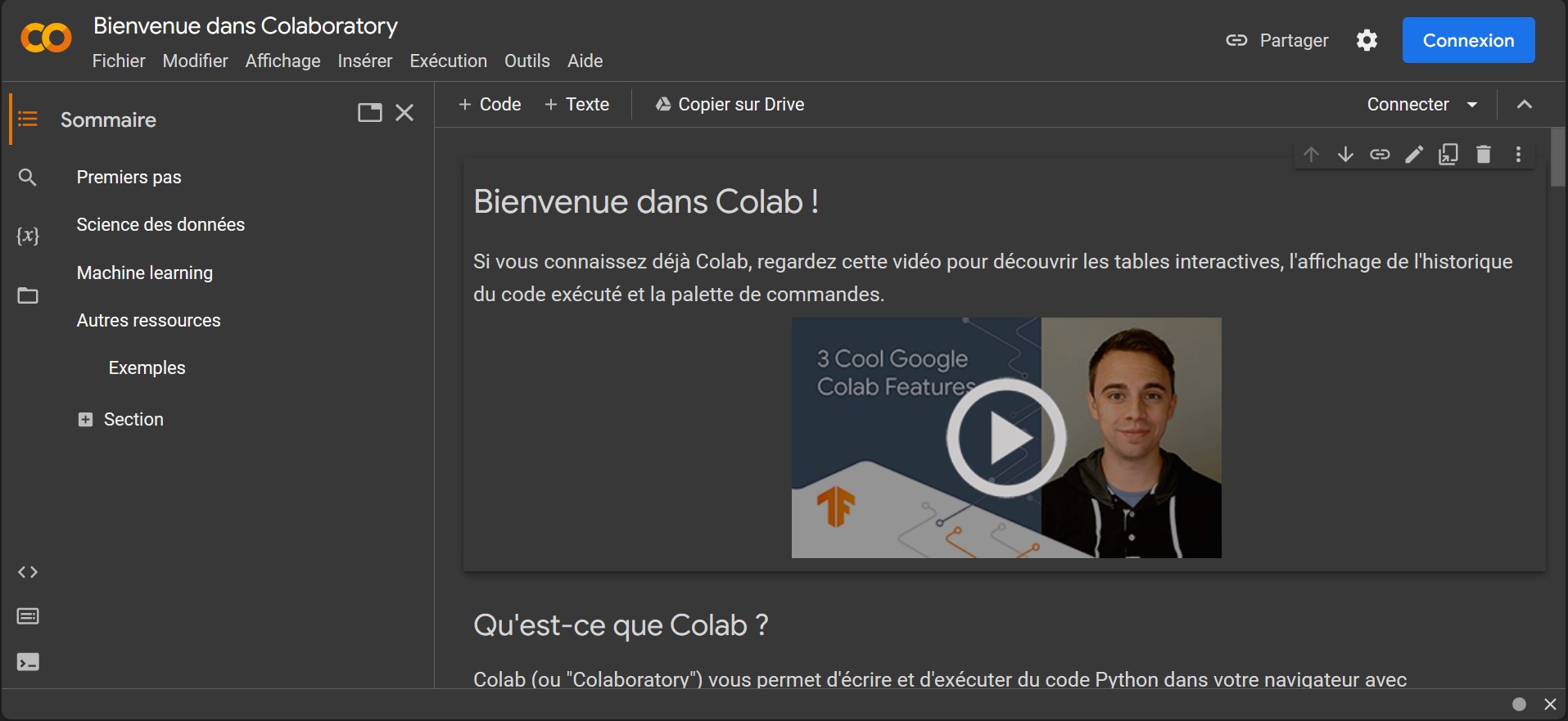
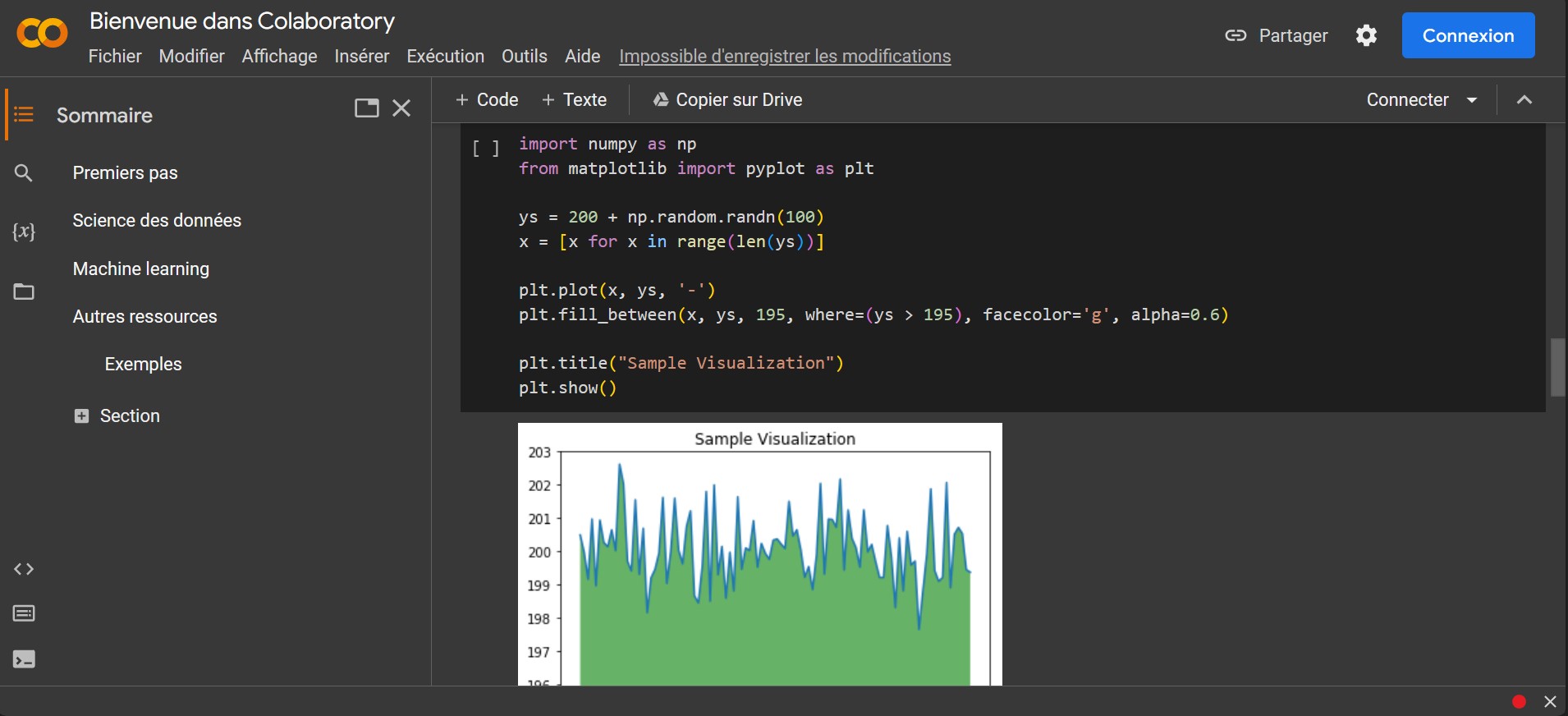
- You will arrive to a welcome interface that is actually already the development environment however to be able to do anything, you should connect to your Google Account, indeed, Google Colab is linked to your Google Drive, it is where the files that you write can be saved and then loaded later.
3. Running Google Colab
It is all online, so there is nothing to be installed. The development environment is actually based on Jupyter-lab, so it is easy to find its way for people who already get some experience on this tool.
Top 5 Most
Popular
1. Compressor
Power Calculation
2. Pump Power Calculation
3. Pipe Pressure
Drop Calculation
4. Fluid Velocity in pipes
5. Churchill Correlation
(friction factor)
One very interesting thing about Colab is that you can access your work from any computer, also you don't need to have a powerful computer to run the code as the execution is done on the Google's server (there are however some limitations regarding the computing power you can use, see below).
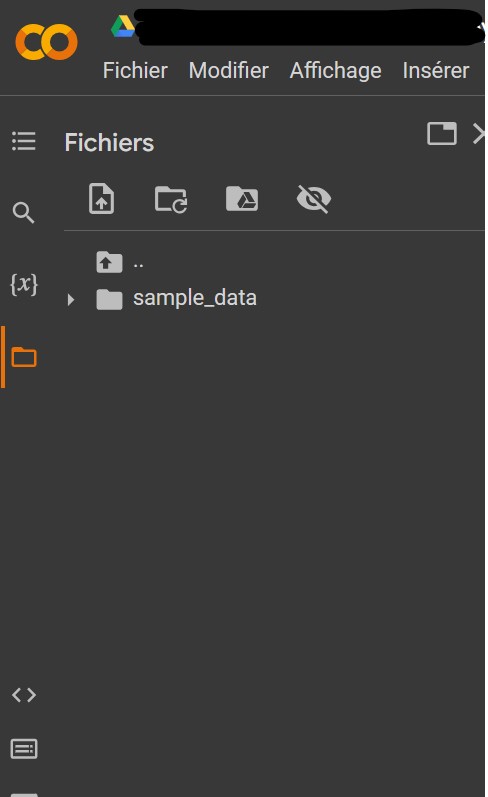
It is possible to upload files to the Colab environement by clicking on the folder icons on the left panel.
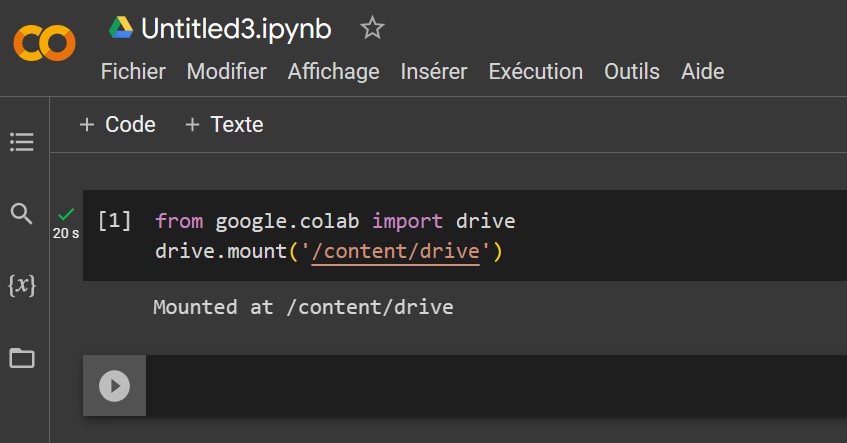
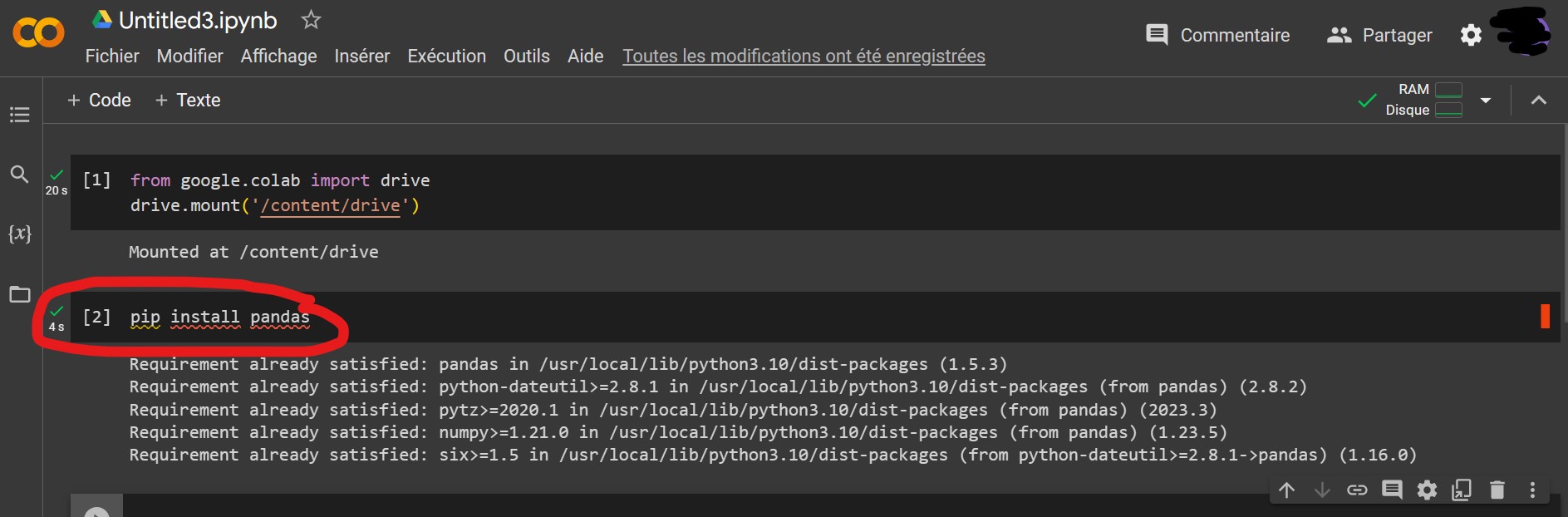
It is also possible to connect to your Google Drive and use it as a hard drive during execution but this requires a special command.
Google Colab is free to use but to a certain extent. If you want to benefit from the power of the Google Cloud Computing, you will need to buy some computing units. But it is really if someone has a lot of calculations to be done, like in Machine Learning, and needs to rely on GPU for instance. For "normal" applications, or with students learning to code, the tool is free and perfectly fine.
Note on Privacy : it remains a Google Service which means that what
you do here is likely to be analysed by Google, keep in mind that
the free version should be limited to non confidential works.
4. Installing new libraries
The online application is not a closed system it is actually possible to install new libraries if your development requires so. For this, you can directly use pip install in the Colab / Jupyter Lab notebook. Keep in mind however that for some of the packages, you will always have to reinstall them each time you restart the enviroment (for instance the next day).
5. Test and review
We found Google Colab a very nice solution for anybody who don't want to install Python on its computer. This is very complete, many packages are already installed, and the Jupyter-lab environment has some specific improvements done by Google. It is very nice to be able to access and continue your work from any computer and that you don't need a strong computer to do so, just a browser and an internet access. On the other hand, one should be mindful of the privacy for such an online solution, and must be aware that the access to GPU for intense calculation works is not guaranteed and is probably requiring a payed subscription.
MyEngineeringTools.com note : 5*